
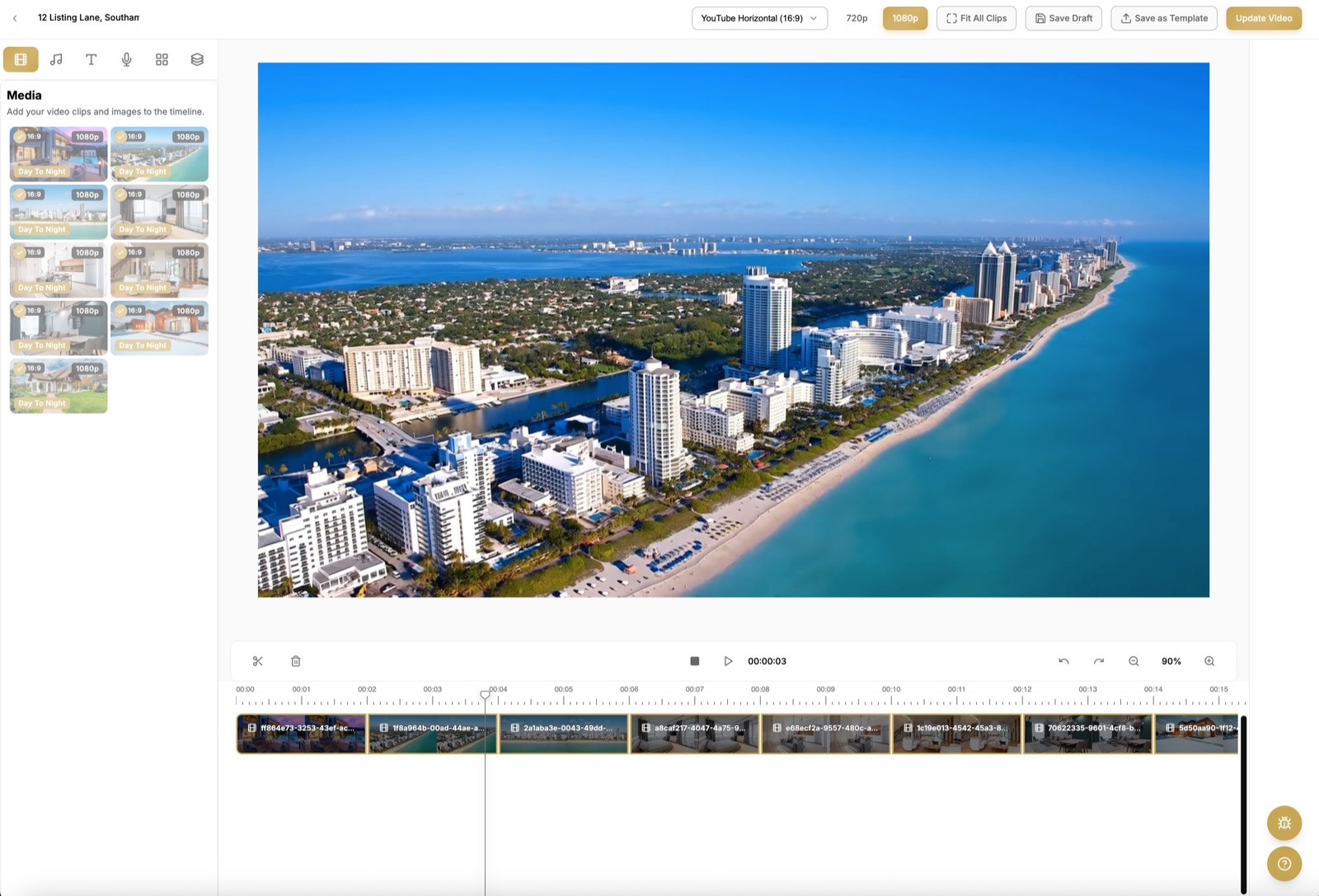
Two of our most-requested editor features are live: AI voiceover and caption layers. Together they turn a silent clip sequence into a narrated, watch-anywhere listing video.
Voiceover
Write your script (or start from the listing description), pick a voice, and the narration is generated and placed on its own audio track. Trim, retime, or regenerate a single line without touching the rest of the edit. Voiceover generation uses credits, just like clips.
Caption layers
Captions are now first-class timeline objects: add the address, beds/baths, price, or feature callouts, position them per-clip, and they stay perfectly synced when you reorder clips. Styles follow your video's look automatically.
How to try it
Open any project, and you'll see the new Voiceover and Text buttons in the editor toolbar. Both features are included on every paid plan, with voiceover priced in credits.